JSON and diagram tools that run in your browser
Format and explore JSON, turn PlantUML text into sequence and activity diagrams, build flowcharts from Mermaid code, or sketch an architecture diagram by hand. Free to use, with no sign-up, and your input never leaves your device.
The tools
All five tools live on one page, so you can switch between them without losing your work.
JSON Viewer
Validate JSON with clear line-and-column errors, format or minify it, and explore it as a searchable tree with copyable paths.
Open JSON Viewer →Sequence Diagram
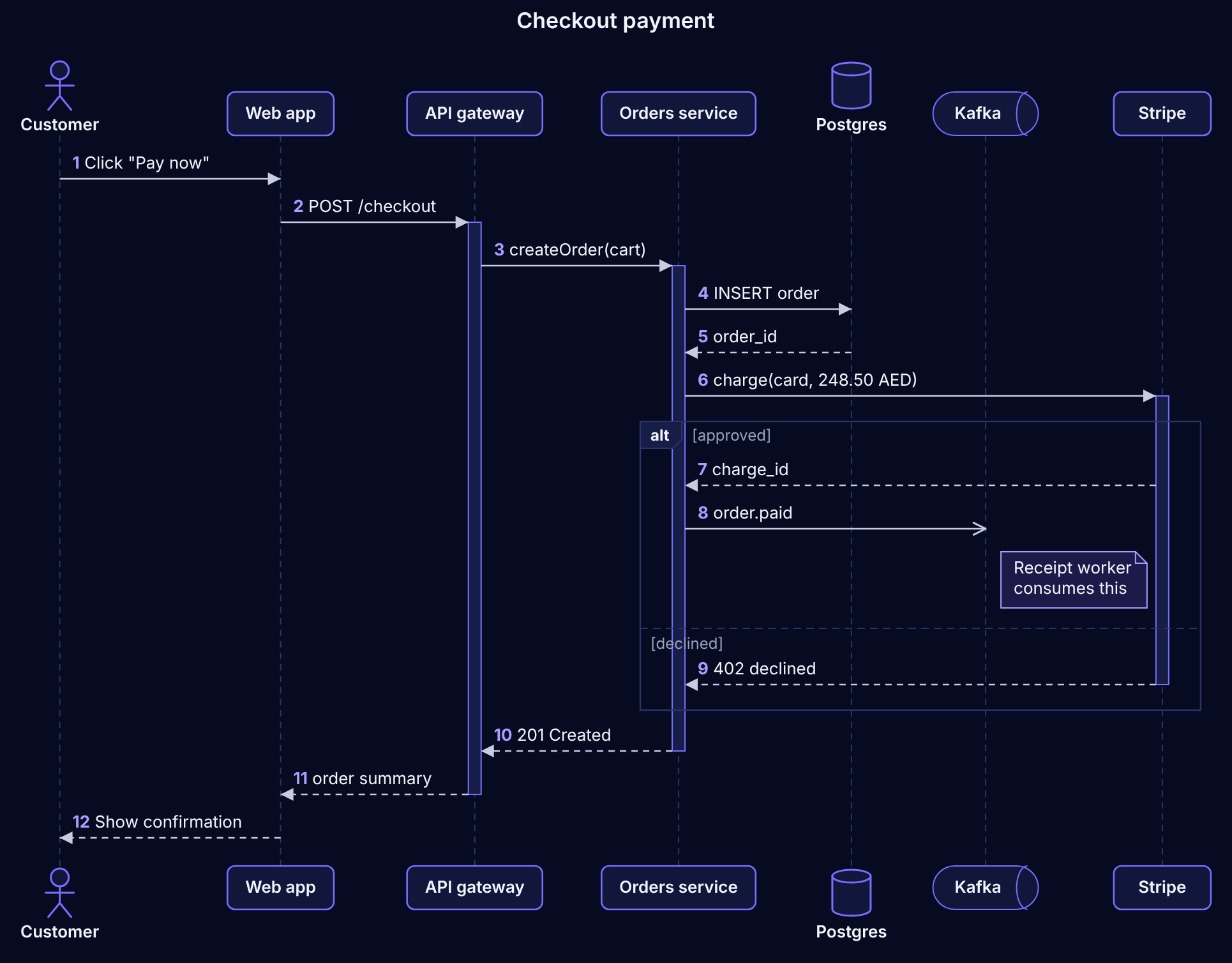
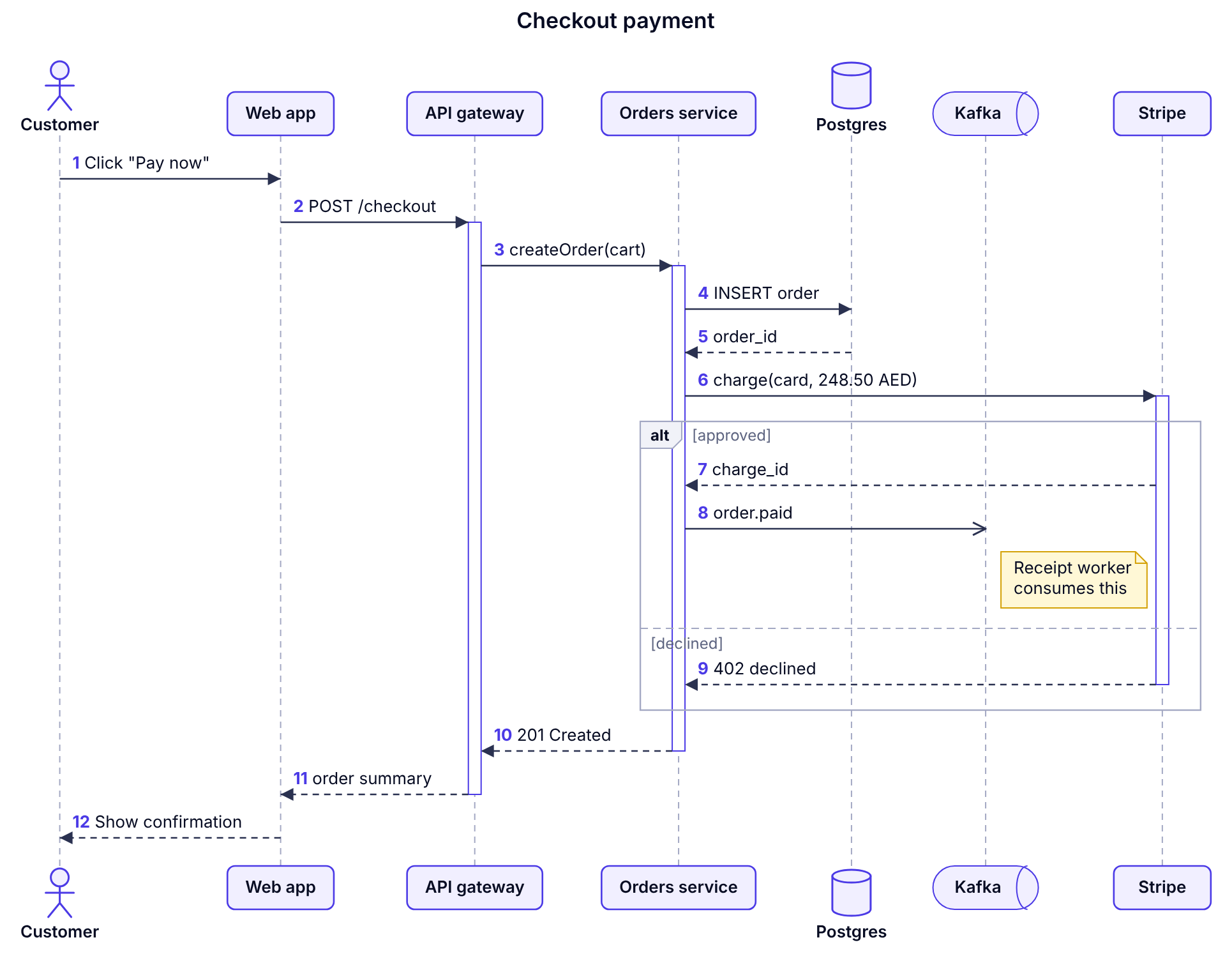
Paste PlantUML sequence code and see the diagram update as you type, with activations, groups, notes and numbering.
Open Sequence Diagram →Activity Diagram
Draw workflows from PlantUML activity syntax: decisions, loops, parallel steps and swimlanes.
Open Activity Diagram →Flow Diagram
Write flowcharts in Mermaid syntax and get an automatic layout, including subgraphs and loops.
Open Flow Diagram →Design Studio
Drag and drop services, databases, queues and zones to sketch an architecture, then export it as PNG or SVG.
Open Design Studio →How it works
- Pick a tool. Each one opens with a working example, so you can see what it does straight away.
- Paste or type. JSON is checked and formatted instantly; diagram code is redrawn on every keystroke. If something is wrong, the exact line is highlighted.
- Export. Copy the result, or download diagrams as high-resolution PNG or SVG files for documents and slides.
Private by design
Dev Studio runs entirely in your web browser. The JSON and diagram code you enter is processed on your own device and is not uploaded to a server. There are no accounts, no analytics and no advertising or tracking cookies.
To save you from losing work, your latest input is kept in your browser's local storage. You can remove it at any time. The Privacy Policy explains exactly what is stored.
Learn the syntax
Short, practical guides with examples you can open in the tools.
Questions
Is Dev Studio free?
Yes. All the tools and tutorials are free to use, with no account needed.
Does it use the official PlantUML or Mermaid software?
No. Dev Studio has its own renderer that runs in your browser and supports the most common PlantUML sequence and activity syntax and Mermaid flowchart syntax. Advanced styling commands are ignored, so complex diagrams may look different from the official tools. Dev Studio isn't affiliated with either project.
Is my data uploaded anywhere?
No. Processing happens on your device. Your latest work is stored only in your own browser, and you can clear it from the tools menu or the Privacy Policy page.
Can I use the diagrams in my own documents?
Yes. Diagrams you create from your own code are yours to use, including commercially. Export them as PNG or SVG.
Does it work on a phone?
Yes. The layout adapts to small screens, though a laptop or desktop is more comfortable for editing larger diagrams.